Why Fleet Has Both General Purpose Chat and Specialized Agents
Fleet combines general-purpose chat with specialized AI agents to balance broad assistance and domain-specific expertise, enhancing user productivity and accuracy in complex tasks.
Tags
Quick summary
Fleet combines general-purpose chat with specialized AI agents to balance broad assistance and domain-specific expertise, enhancing user productivity and accuracy in complex tasks.
Why Fleet Has Both General Purpose Chat and Specialized Agents
In the rapidly evolving landscape of artificial intelligence, organizations face a critical architectural decision: should they build a single, general-purpose conversational interface, or deploy multiple specialized agents for distinct tasks? The answer, increasingly, is both. Fleet, a conceptual framework inspired by emerging patterns in AI application design, illustrates why combining a general-purpose chat interface with a suite of specialized agents creates a more robust, flexible, and scalable system. This article explores the rationale behind this dual approach, drawing on insights from industry leaders such as LangChain, OpenAI, Microsoft, and Anthropic.
The Rise of Hybrid AI Architectures
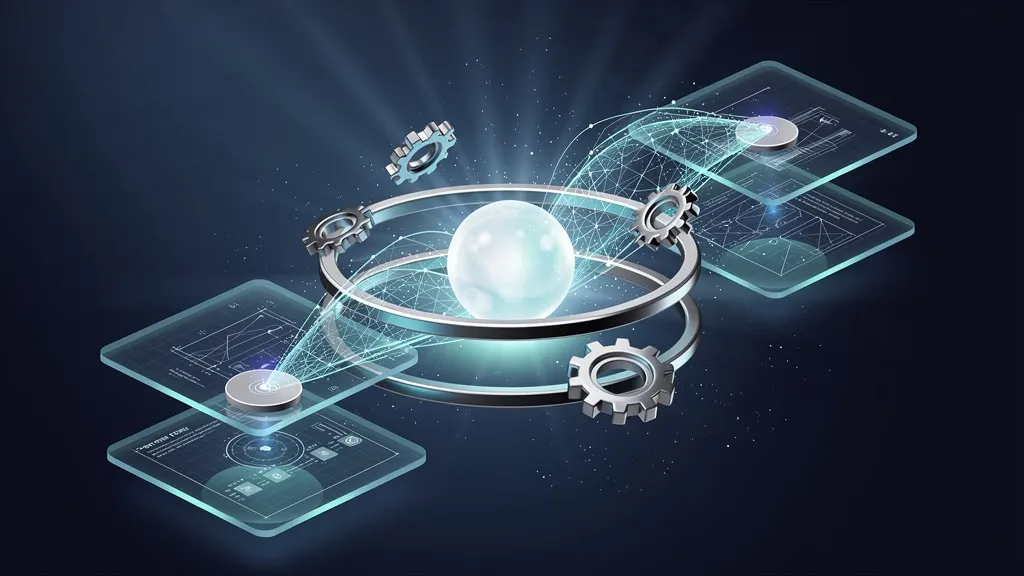
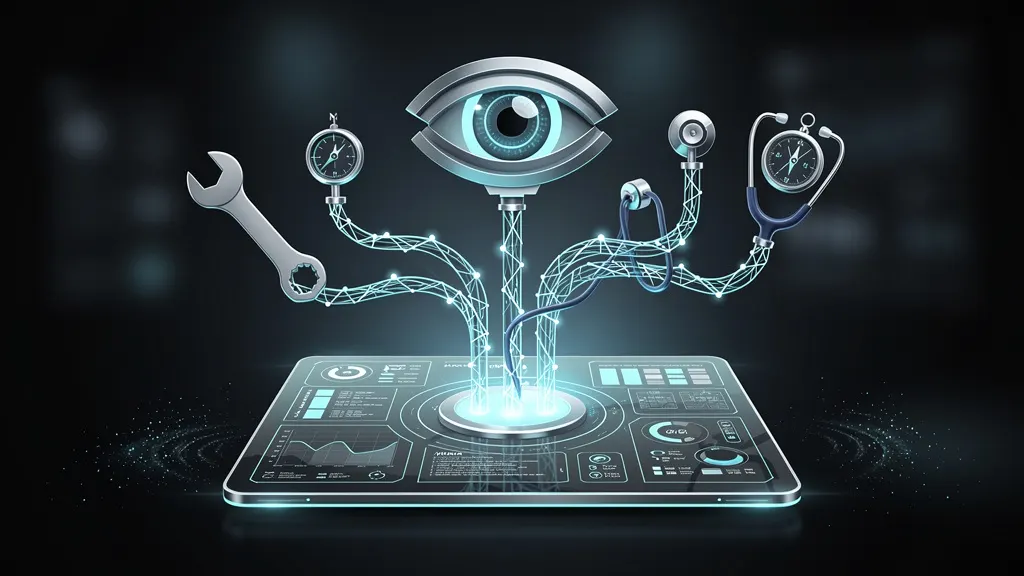
Traditional AI assistants have typically fallen into two camps: broad conversational models capable of handling diverse queries, or narrow, task-specific agents optimized for a single function. The former excels at open-ended dialogue but often lacks precision for domain-specific tasks. The latter delivers high accuracy in narrow contexts but fails when users ask unexpected questions. Fleet resolves this tension by offering both a general-purpose chat interface—a "front door" for all user interactions—and a collection of specialized agents that handle complex, repetitive, or high-stakes tasks behind the scenes.
This hybrid architecture mirrors real-world organizations. A help desk, for example, has a generalist receptionist who routes calls to specialized departments. Similarly, Fleet’s general chat handles routine inquiries and context switching, while specialized agents execute deep work like data analysis, code generation, or compliance checks.
Requirements
Before implementing a Fleet-like system, you need:
- Python 3.10+ installed on your development machine.
- pip package manager (comes with Python).
- An OpenAI API key (or equivalent from Anthropic, Cohere, etc.) for accessing large language models.
- Basic familiarity with command-line tools and Python virtual environments.
- At least 4 GB of RAM and a stable internet connection.
Step-by-Step Installation
We will build a minimal Fleet prototype using LangChain, a popular framework for orchestrating LLM applications. The system will include a general-purpose chat interface and two specialized agents: one for math calculations and another for weather lookups.
1. Set Up a Virtual Environment
Isolate dependencies to avoid conflicts:
python -m venv fleet-env
source fleet-env/bin/activate  # On Windows: fleet-env\Scripts\activate
2. Install Required Packages
Install LangChain, OpenAI SDK, and a web framework for the chat interface:
pip install langchain langchain-openai flask python-dotenv3. Configure API Keys
Create a .env file in your project root to store your API key securely:
echo "OPENAI_API_KEY=your-api-key-here" > .envReplace your-api-key-here with your actual OpenAI API key.
4. Create the Fleet Application
Create a file named fleet.py with the following code. This sets up the general chat router and two specialized agents.
import os
from dotenv import load_dotenv
from langchain_openai import ChatOpenAI
from langchain.agents import create_tool_calling_agent, AgentExecutor
from langchain.tools import Tool
from langchain.memory import ConversationBufferMemory
from langchain.prompts import ChatPromptTemplate, MessagesPlaceholder

load_dotenv()

# Initialize the general-purpose LLM
llm = ChatOpenAI(model="gpt-4", temperature=0.7)

# -------- Specialized Agent 1: Math Calculator --------
def calculate(expression: str) -> str:
    """Evaluate a mathematical expression."""
    try:
        result = eval(expression)  # Use with caution; consider safer alternatives.
        return f"The result is {result}"
    except Exception as e:
        return f"Error: {e}"

math_tool = Tool(
    name="MathCalculator",
    func=calculate,
    description="Useful for arithmetic and algebraic calculations. Input should be a valid Python expression."
)

# -------- Specialized Agent 2: Weather Lookup --------
def get_weather(city: str) -> str:
    """Simulate a weather API call."""
    # In production, replace with actual API call
    return f"Weather in {city}: 72°F, partly cloudy."

weather_tool = Tool(
    name="WeatherLookup",
    func=get_weather,
    description="Get current weather for a city. Input is the city name."
)

# -------- General Purpose Chat Memory --------
memory = ConversationBufferMemory(memory_key="chat_history", return_messages=True)

# -------- Prompt Template for the General Chat --------
prompt = ChatPromptTemplate.from_messages([
    ("system", "You are a helpful assistant. Use the available tools when needed."),
    MessagesPlaceholder(variable_name="chat_history"),
    ("human", "{input}"),
    MessagesPlaceholder(variable_name="agent_scratchpad")
])

# Combine tools into a single agent
tools = [math_tool, weather_tool]
agent = create_tool_calling_agent(llm, tools, prompt)
agent_executor = AgentExecutor(
    agent=agent,
    tools=tools,
    memory=memory,
    verbose=True,
    handle_parsing_errors=True
)

# -------- Flask Web Interface --------
from flask import Flask, request, jsonify, render_template_string

app = Flask(__name__)

HTML_TEMPLATE = """
<!DOCTYPE html>
<html>
<head><title>Fleet Chat</title></head>
<body>
    <h1>Fleet: General Chat + Specialized Agents</h1>
    <div id="chat" style="border:1px solid #ccc; height:300px; overflow-y:scroll; padding:10px;"></div>
    <input id="input" type="text" style="width:80%;" placeholder="Type your message...">
    <button onclick="send()">Send</button>
    <script>
        async function send() {
            const input = document.getElementById('input');
            const chat = document.getElementById('chat');
            const msg = input.value;
            input.value = '';
            chat.innerHTML += `<p><b>You:</b> ${msg}</p>`;
            const response = await fetch('/chat', {
                method: 'POST',
                headers: {'Content-Type': 'application/json'},
                body: JSON.stringify({message: msg})
            });
            const data = await response.json();
            chat.innerHTML += `<p><b>Fleet:</b> ${data.reply}</p>`;
        }
    </script>
</body>
</html>
"""

@app.route('/')
def home():
    return render_template_string(HTML_TEMPLATE)

@app.route('/chat', methods=['POST'])
def chat():
    user_message = request.json['message']
    result = agent_executor.invoke({"input": user_message})
    return jsonify({"reply": result["output"]})

if __name__ == '__main__':
    app.run(debug=True)
5. Run the Application
Execute the Flask app:
python fleet.pyOpen your browser to http://127.0.0.1:5000. You now have a working Fleet prototype.
Usage Examples
Example 1: General Purpose Chat
User: "Tell me a fun fact about space."
Fleet: "Sure! Did you know that a day on Venus is longer than a year on Venus? It takes 243 Earth days to rotate once, but only 225 Earth days to orbit the Sun."
The general chat handles this without invoking any specialized agent.
Example 2: Math Calculation (Triggers Math Agent)
User: "What is 234 * 567 + 1000?"
Fleet: "Let me calculate that for you." (Agent executes) "The result is 133,678."
Example 3: Weather Lookup (Triggers Weather Agent)
User: "What's the weather in Tokyo?"
Fleet: "Weather in Tokyo: 72°F, partly cloudy."
Example 4: Complex Workflow
User: "First, tell me the weather in Paris. Then, add 1500 to 2345."
Fleet: "Sure! Weather in Paris: 68°F, clear skies. Now, 1500 + 2345 = 3845."
The general chat orchestrates both agents sequentially.
Why This Architecture Matters
1. User Experience Continuity
General chat provides a natural, unbounded interface. Users don't need to learn different commands for different tasks—they simply ask questions. According to LangChain's blog on agent orchestration, this reduces cognitive load and increases adoption.
2. Precision Through Specialization
Specialized agents excel where general models struggle. Anthropic's research on constitutional AI shows that narrow agents can be more reliable for regulated tasks like medical diagnosis or financial calculations. In Fleet, the math agent uses exact computation rather than LLM approximation.
3. Scalability and Maintenance
You can add or update specialized agents without retraining the entire system. Microsoft's AI blog emphasizes modular design for enterprise deployments—each agent can be independently tested, versioned, and deployed.
4. Cost Efficiency
OpenAI's pricing models charge per token. General chat queries are cheaper for simple requests, while heavier tasks can be routed to cheaper, specialized models. This hybrid approach optimizes cost.
5. Safety and Guardrails
General chat can apply broad safety filters, while specialized agents enforce domain-specific rules. For example, a financial agent can block non-compliant requests, even if the general chat allows them.
Challenges and Considerations
- Routing Logic: The general chat must accurately decide when to delegate to an agent. LangChain's tool-calling agents handle this with LLM-based reasoning, but misrouting can occur.
- Latency: Invoking an agent adds overhead. For time-critical tasks, consider caching or pre-warming agents.
- Memory Management: Conversation memory must be shared between the general chat and agents. Fleet uses
ConversationBufferMemory, but more sophisticated solutions (e.g., vector stores) may be needed for long sessions.
Conclusion
Fleet’s dual architecture—a general-purpose chat interface augmented by specialized agents—represents a pragmatic evolution in AI system design. It combines the accessibility of open-ended conversation with the reliability of focused tools. By following the installation steps above, you can prototype this pattern in under 30 minutes. As LangChain, OpenAI, Microsoft, and Anthropic continue to advance agent frameworks, this hybrid model will likely become the standard for building production-grade AI assistants that are both powerful and user-friendly.
Note: The example code uses `eval()` for simplicity—replace with safer math parsers (e.g., `ast.literal_eval`) in production. Always validate agent inputs for security.